Common plugin settings
djangocms-frontend offers a set of plugins to allow for an easy and clean
structure of your CMS contents.
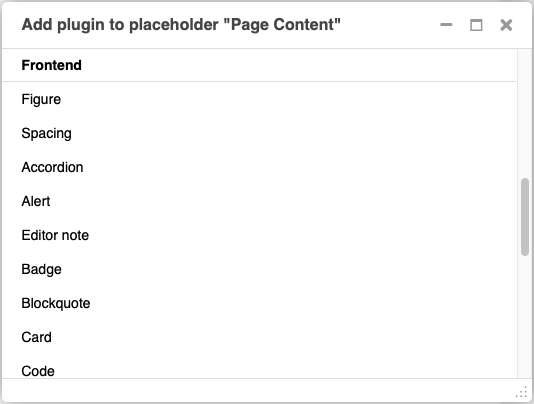
All plugins are listed in the section “Frontend” when adding a plugin to a placeholder:
Frontend editing of plugins has been desinged with three aims:
Keep the essential editing required minimal and well-arranged on the editing forms.
Eliminate the need for regularly adding html classes or other attributes like styles.
Keep the possibility to change the html classes or tags in the rare case it is needed.
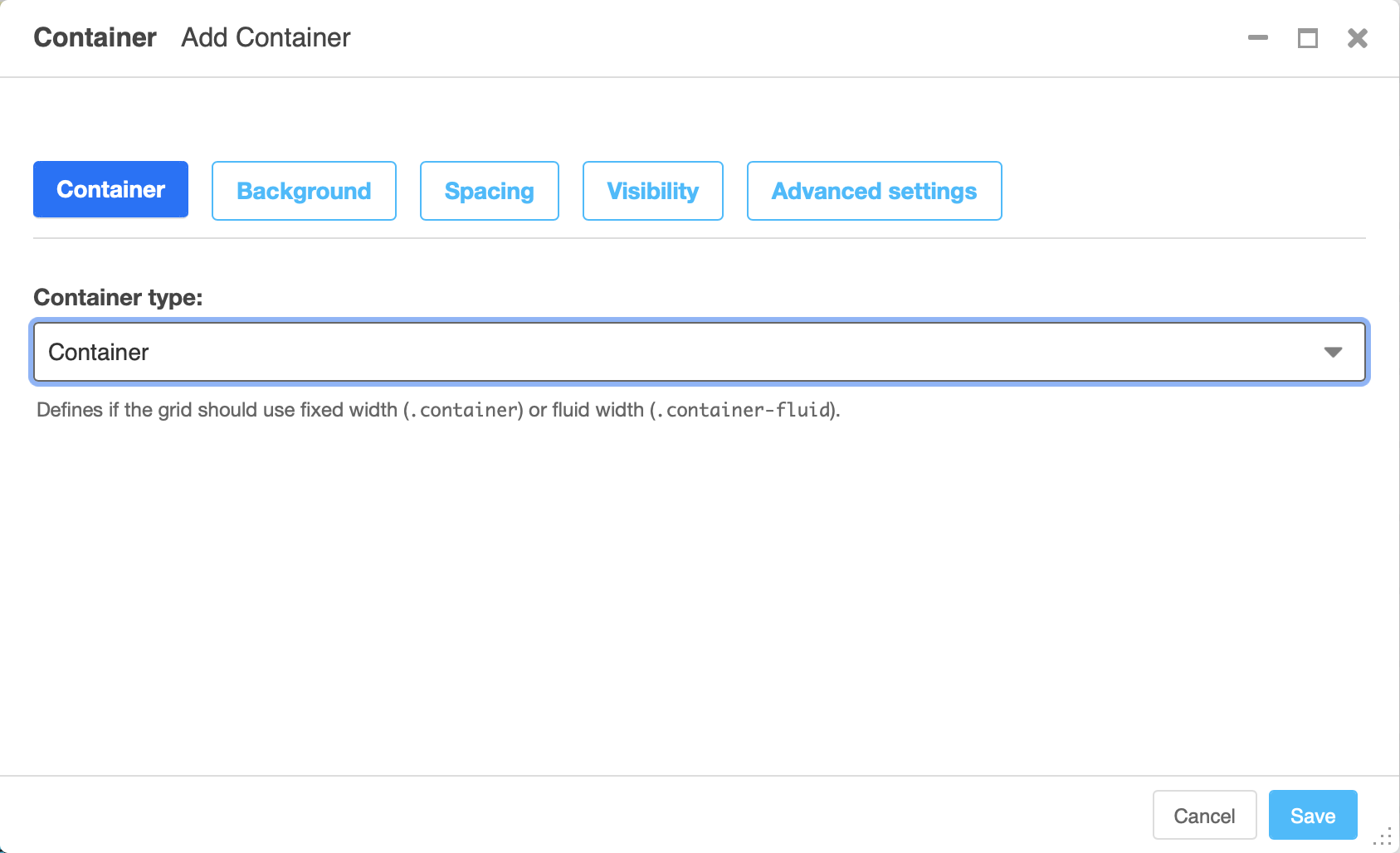
The editing has therefore been categorized in tabs starting with a plugin’s key tab for its most important information. Other tabs add general modifications to the plugin, their availability depending on the plugin type. The well-known “advanced settings” is available to all plugins, however, its use should in most case be covered by the new other tabs:
Background tab
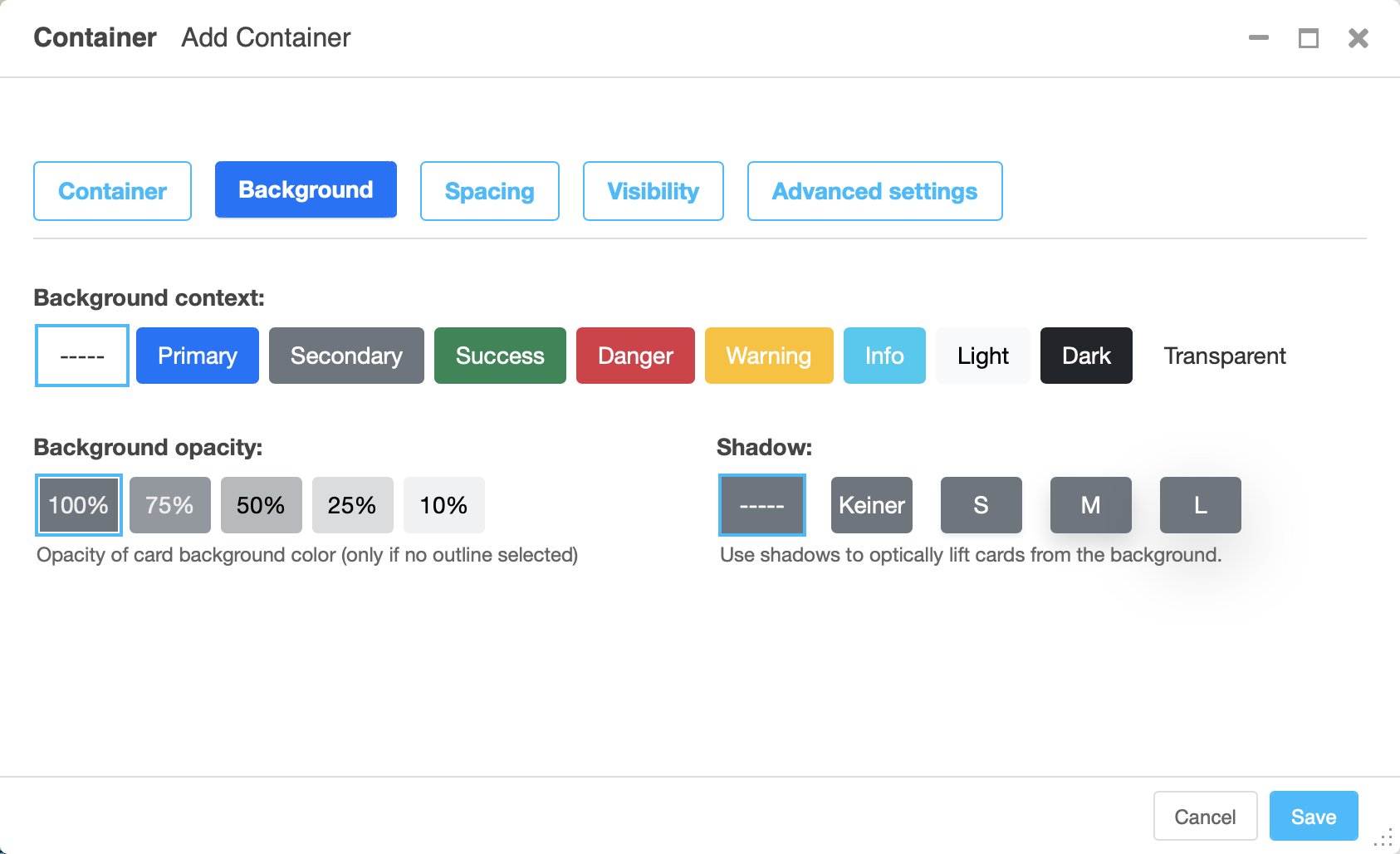
The background tab allows to set a background context leading to the background being colored appropriately.
The background properties can be modified by changing opacity and its ability cast a shadow. Shadows allow the whole element to appear elevated from the background.
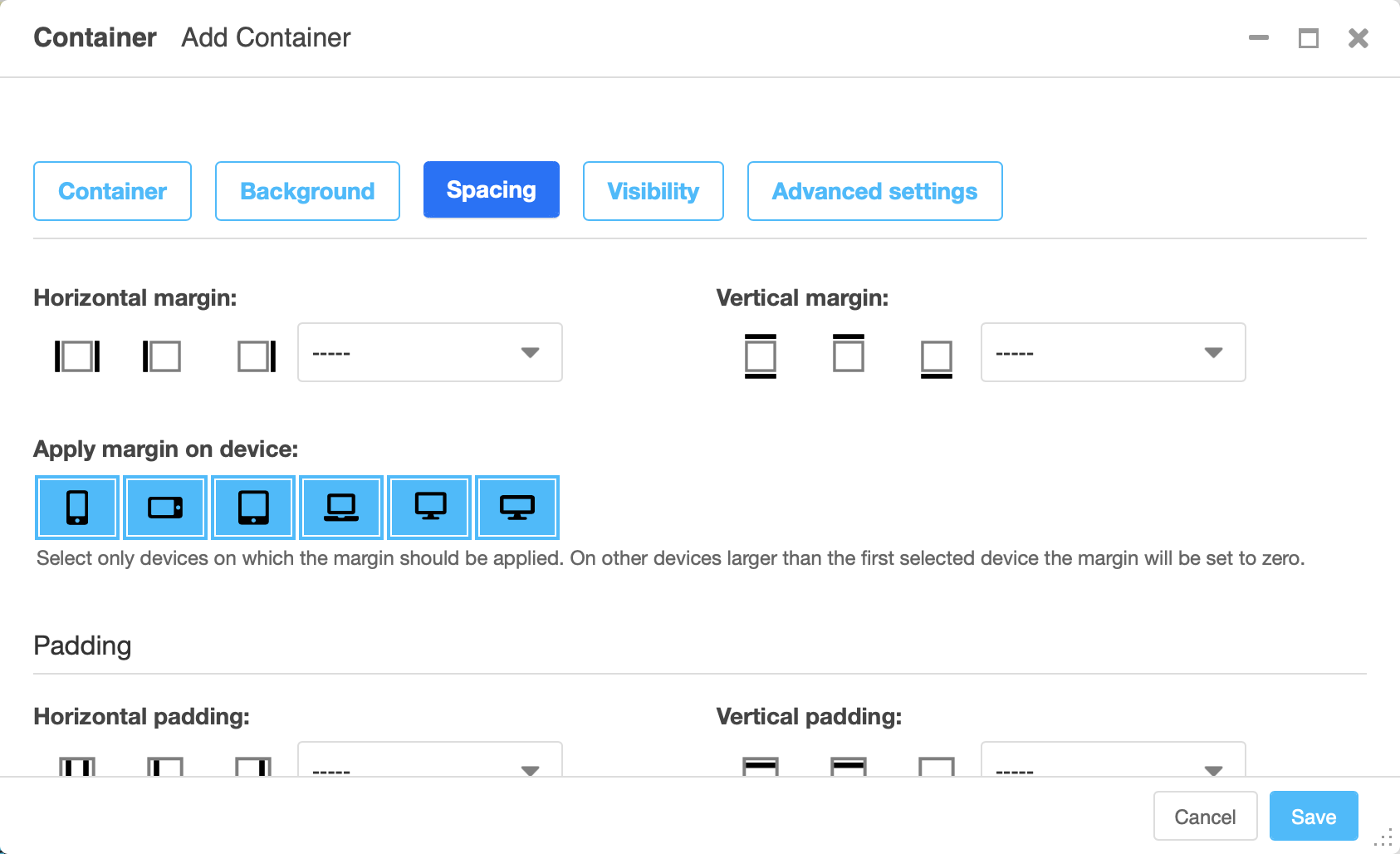
Spacing tab
The spacing tab is used to set margins and padding and to select which devices they should be applied.
For both margin and padding the settings can be made independently for horizontal and vertical padding.
Visibility tab
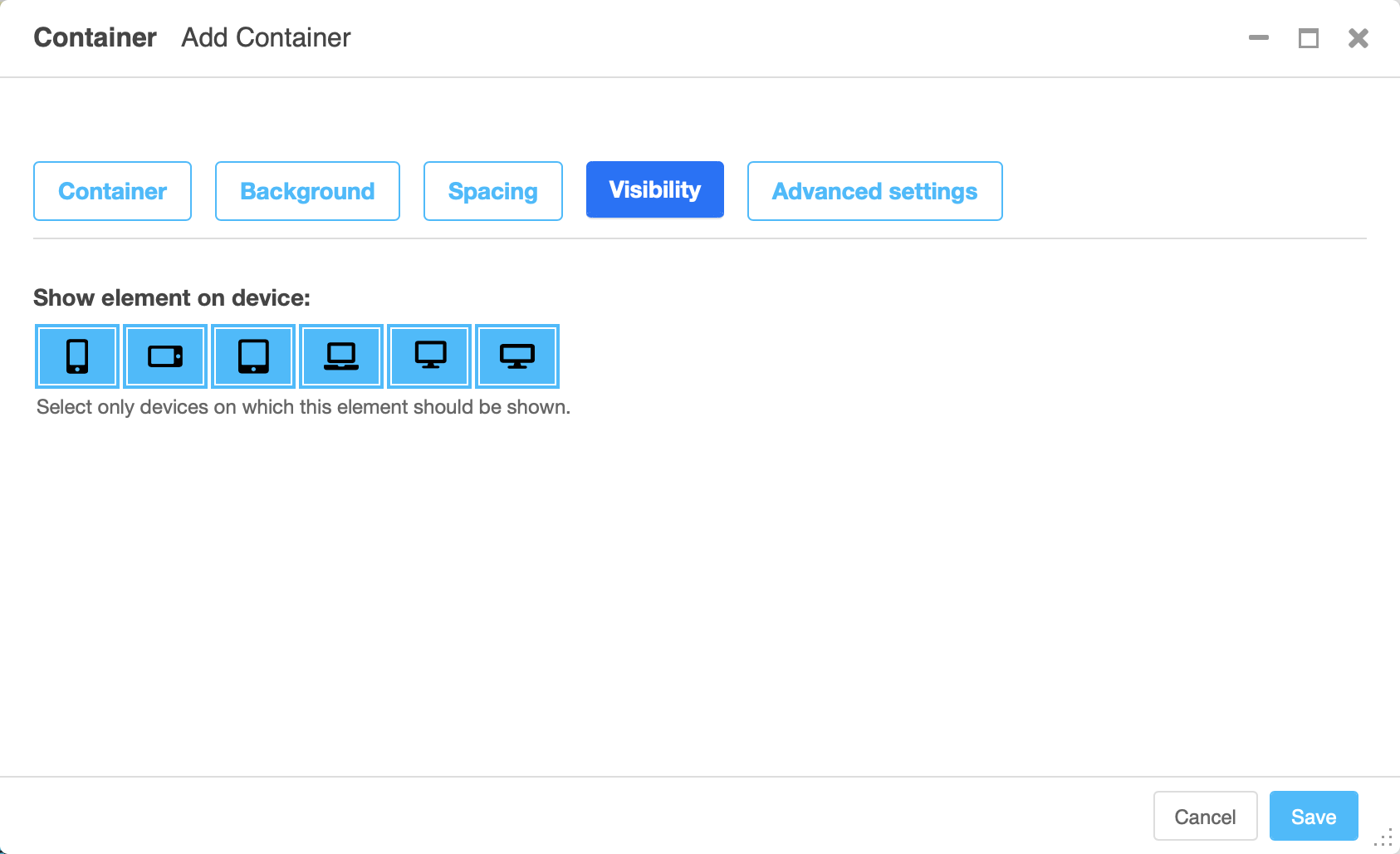
The visibility tab controls on which devices the elements and its children should be visible. Use this to design different content for different devices.
Advanced settings tab
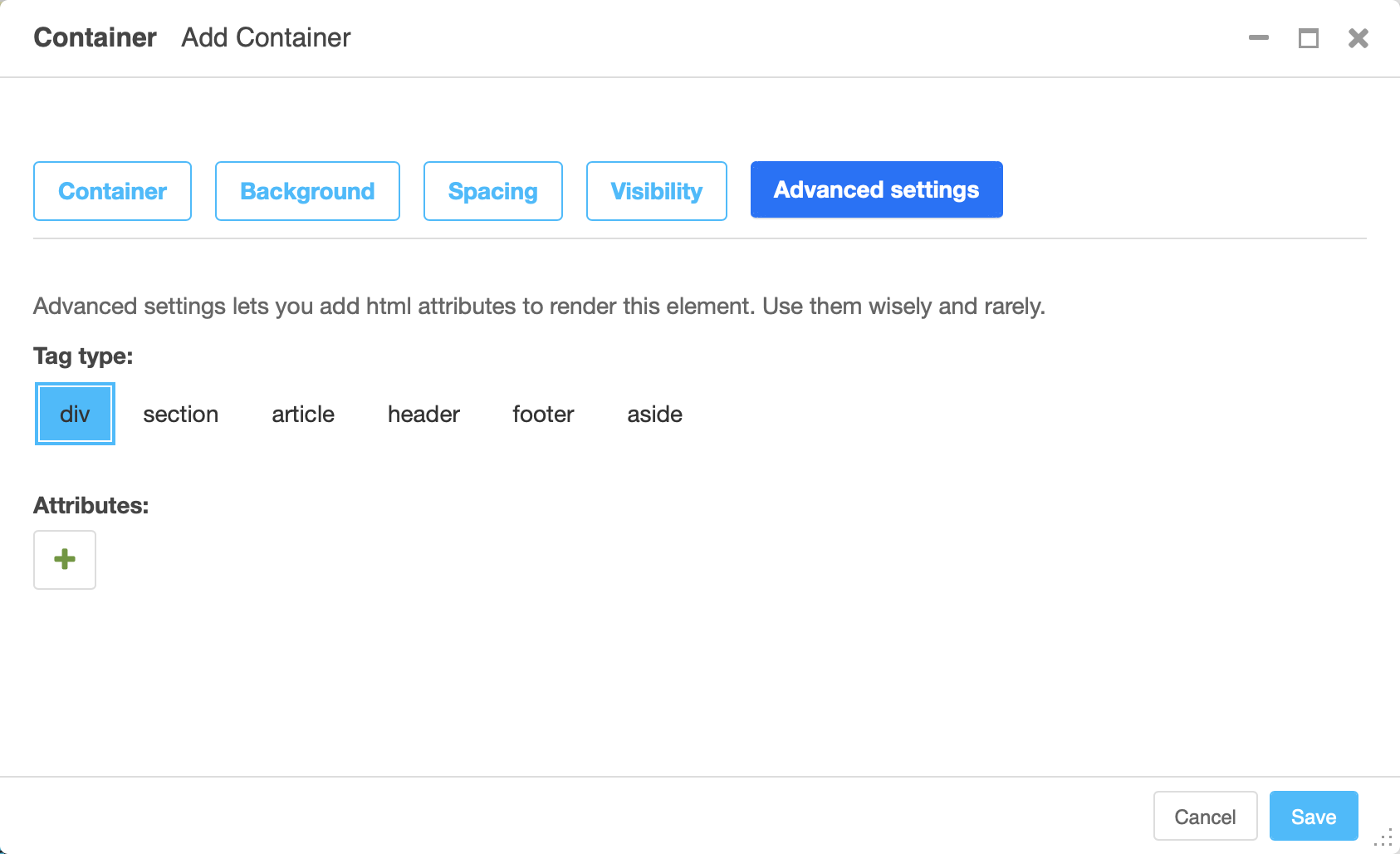
The advanced tab lets you chose which tag (typically a div) should be used
to render the element. You may also add attributes like additional classes as a
class attribute, an id or styles in the style attribute.
Warning
Using the advanced tab requires some technical knowledge on the sites
installation, e.g., what css classes are available. This is why the advanced
settings tab should only be used rarely. If you find yourself using it
regularly, extending djangocms-frontend using a theme might be the more
editor-friendly and more maintainable solution.
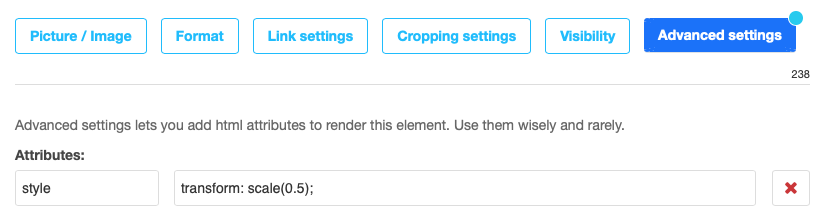
The advanced tab label carries a blue-ish dot to indicate that attributes are set in the advanced settings tab. These attributes can change the appearance of the element significantly which is why the dot reminds the editor that there are advanced settings present.
Error indicators
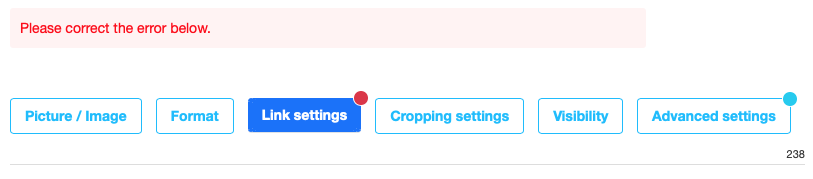
In case the form is not valid when the user tries to save all fields that are marked invalid will have an error message attached. Since not all fields are visible in tabbed editing tabs containing an error have a red badge at the upper right corner: